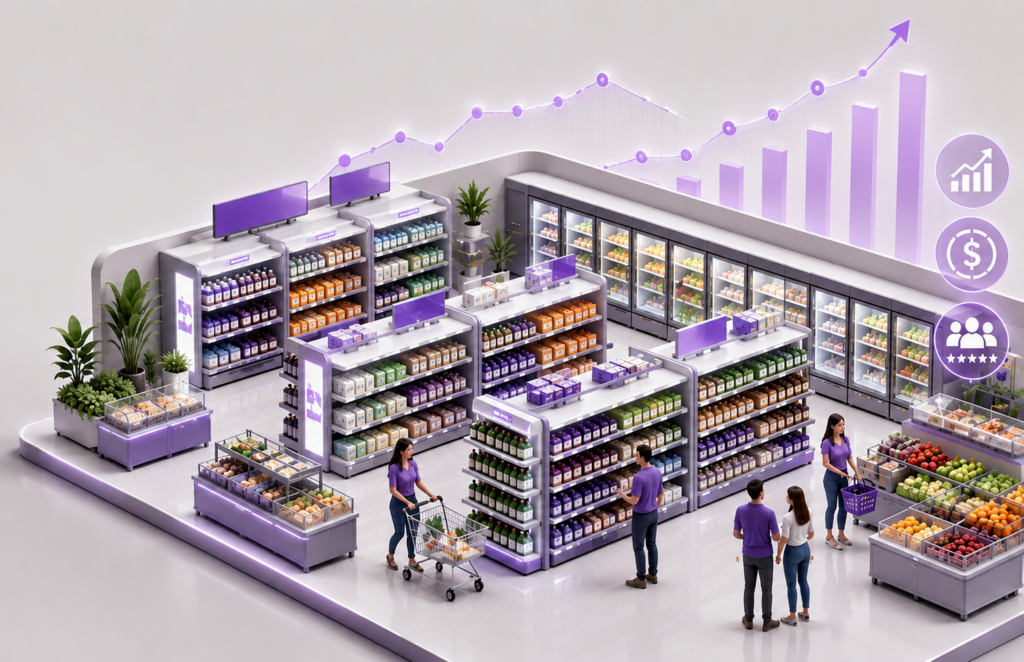
Planogram compliance is a revenue discipline. Every point of non‑compliance manifests as shelf confusion, missing facings and lower conversion. This 90‑day program combines digital planograms (planogram2go + Blue Yonder), AI‑based shelf verification, realograms and a tight HQ↔store feedback loop to move compliance from ~60% to ~90%.
Why Compliance Drives Revenue
A planogram is a standardized operating model for the shelf: presence, facings, sequence, POS and exposure variants. Consistent execution stabilizes customer experience, protects availability of top SKUs and lifts category margin. When stores deviate, KPIs suffer and control costs increase.
Three Barriers That Block Compliance
1) Weak In‑Store Control
Manual checklists and PDFs don’t produce trustworthy outcomes. Store managers need a mobile workflow that flags deviations instantly and assigns corrective tasks.
2) Poor Data Quality and Outdated Instructions
Without a single source of truth and Blue Yonder integration, teams work on conflicting versions, creating delays and inconsistent exposure across regions.
3) No Automated Verification and Feedback
If shelf photos aren’t scored automatically and routed into a correction workflow, the process devolves into email back‑and‑forth with day‑long response times.
The 90‑Day Program – Step by Step
Step 1: Digitize and Integrate (Weeks 1–2)
Audit categories and store variants. Migrate planograms into planogram2go and integrate with Blue Yonder CM. Outcomes: versioning, permissions, fast mobile publishing, zero paper.
Step 2: AI Shelf Verification (Weeks 2–4)
Deploy image recognition on mobile. The app scores facings, brand sequence, missing SKUs and POS in real time. Alerts go to store leads and HQ; actions are tracked.
Step 3: Realograms as Proof of Execution
Attach reference photos and operational checklists to each publication. Stores submit realograms; the system compares against the plan and flags deviations automatically.
Step 4: HQ↔Store Feedback Loop
HQ publishes → store executes → AI scores → HQ approves/corrects → KPIs update in dashboards. Define SLA and metric ownership on both sides.
Step 5: Training and Mobile Adoption
Two‑week onboarding: micro‑videos, step‑by‑step checklists, in‑app quizzes. Keep UX simple: clear names, auto‑suggested forms, photo guides.
Measuring Success – KPIs & Dashboards
Minimum set: compliance % by category/store, average alert response time, count of critical deviations, OOS reduction in top SKUs, % stores delivered within SLA. planogram2go provides heatmaps, risk lists, week‑over‑week trends and board‑ready summaries.
Pitfalls to Avoid
Publishing without photo references; no KPI owner per store; overly complex forms; no Blue Yonder integration; no audit cadence; scattered files and versions.
FAQ
• Will AI recognize new packaging? – Yes, with refreshed references or on‑shelf onboarding.
• Does it work offline? – Mobile supports offline with sync.
• How are alerts assigned? – Rules route tasks to the right owner.
• How to quantify impact? – Compliance %, response time, OOS reduction.
• Seasonal variations? – Bulk publications and checklists handle them.